
From a curl command
⌘⇧I, or right-click a collection or folder → Import from cURL…, then paste. ⌘↵ parses and shows a preview; ⌘⇧↵ imports.
Mariner understands multi-line commands with \ continuations, and the flags that matter: -X, -H, -d / --data-raw / --data-binary, --data-urlencode, -F (files included), -G, -u, -b, -A, -e, --url. Flags with no equivalent — -k, -L, --compressed, -o — are ignored. A body without -X becomes a POST; the body kind is detected from the content type and shape.
An Authorization header or -u user:pass is promoted to the request’s Auth tab, and the credential goes straight to the Keychain rather than into a header row.
From Postman
⌘⇧O → paste the JSON or pick the file. Mariner reads Collection v2.1 (v2.0 on a best-effort basis) and creates a new collection in the current workspace with:
- folders, recursively;
- each request’s method, URL, headers, query, path variables and body, including multipart file parts;
- collection-level auth and per-folder overrides, with secrets sent to the Keychain.
Postman environment files are not imported — recreate them as workspace environments; it is usually a handful of keys. See Set up environments.
From an OpenAPI document
File → Import OpenAPI Spec… accepts OpenAPI 3.0 / 3.1 in JSON (YAML is not supported). You get a collection named after the API, one folder per tag (untagged operations land in Uncategorized), and a request per operation with the first JSON body example. Security schemes become collection-level auth.
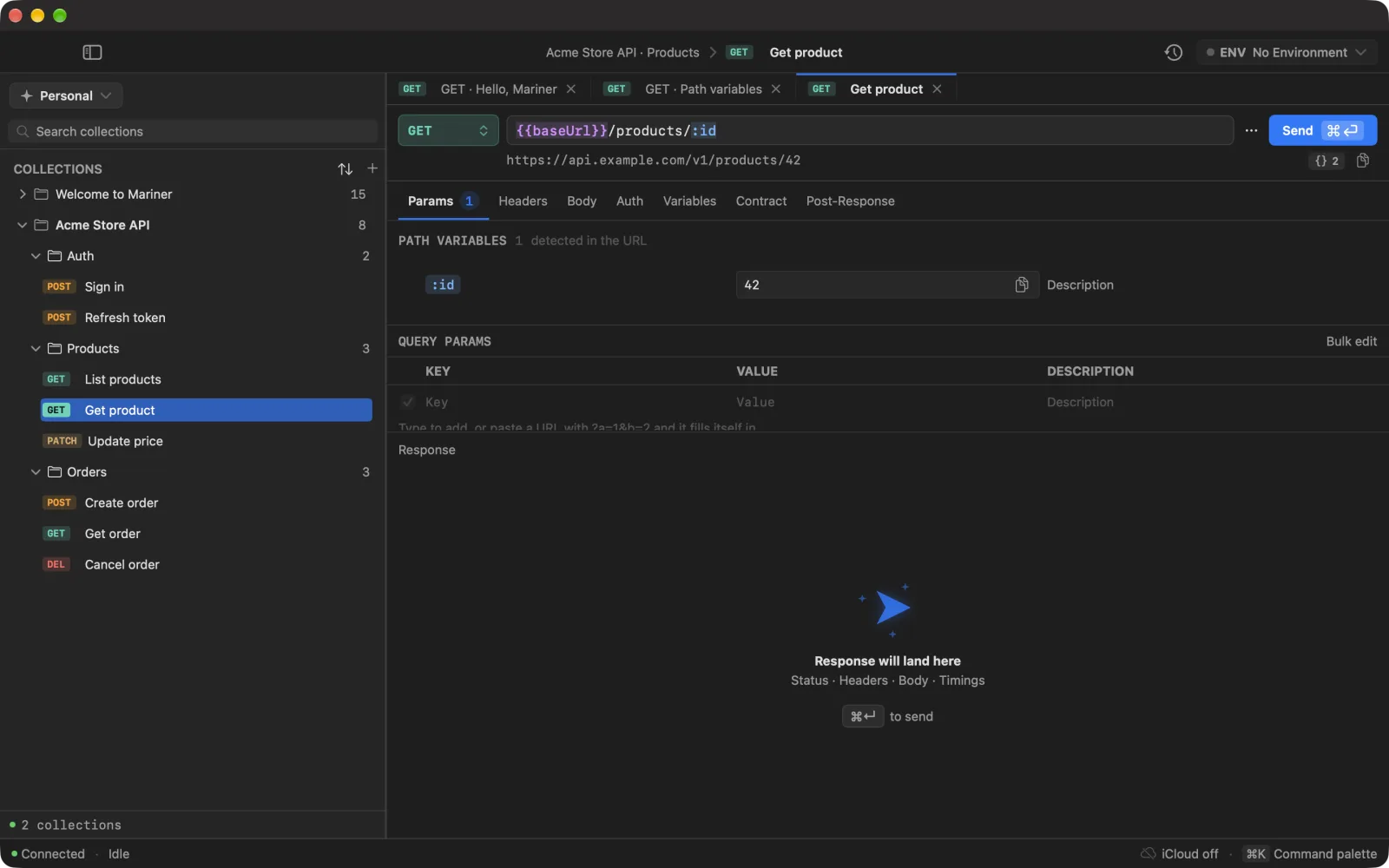
Every URL is built as {{baseUrl}} + path, with {braces} turned into path variables. Add a baseUrl variable to your workspace environment with the server URL from the document, and the whole collection points at it.
From another Mariner
File → Import Mariner Collection… and pick the .mariner package (a folder). The preview shows the counts of requests, folders and environments before you confirm. Secrets are never inside a package — re-enter auth tokens after importing. The legacy .nvapi extension still works.
Ways out
- Export as Mariner… (⌘⇧X) — the package format described in File format. Secrets excluded.
- Export as Postman… — a v2.1 collection file. Secrets excluded, including OAuth client secrets.
- Copy as cURL (⌘⌥C) — one request to the clipboard, with inherited auth resolved. This includes real credentials, so paste it with care.
- Generate Code… (⌘⇧C) — cURL, JavaScript (fetch or axios), Python requests, Swift URLSession, Go net/http. Variables are resolved by default; secrets stay masked unless you flip Include secrets.
- Export HAR — from History, a HAR 1.2 archive of the executions currently filtered.